Follow the latest available shipping progress for your Nuvopet purchase.
Open trackingNuvopet support
Help Center
Clear guidance for orders, delivery, returns, setup, compatibility, and everyday use of your Nuvopet smart-pet essentials.

24/7
Support
Support
Shipping
Free on every order
Delivery
3–5 calendar days
Returns
Free within 30 days
Availability
24/7 customer support
Support map
Start with the right path
Choose the area closest to what you need. Each path below connects to the detailed guidance further down this page.
01
Order help
Order status, changes, tracking, and what to expect after checkout.
02Shipping
Free shipping, delivery timing, and tracking your parcel in transit.
03Returns
Free returns and exchanges within the 30-day return window.
04Device setup
Getting connected, pairing hardware, and completing first-time setup.
05Compatibility
Check network, size, environment, power, and device requirements.
06Troubleshooting
Fast checks for connection, power, alerts, tracking, feeding, and access.

Connected care
Set up your device with confidence
Smart pet products work best when the first setup is completed carefully. Use this sequence for cameras, trackers, feeders, fountains, sensors, activity devices, climate controls, and compatible connected accessories.
1
Power and prepare
Fully charge the device or connect its required power source before starting setup.
2
Confirm connection
Check Wi-Fi, Bluetooth, location, or app permissions required by the specific product.
3
Pair and configure
Follow the product pairing sequence, then review alerts, schedules, thresholds, or access settings.
4
Test before routine use
Run a complete test to confirm tracking, notifications, feeding, monitoring, or boundary behavior works as expected.
Quick diagnosis
Solve the most common issues first
Many connection or performance problems can be resolved without resetting the device. Start with the basics, then move deeper only if the issue continues.
01
Check power and battery
Confirm the device is charged, powered on, correctly connected, and showing its normal status indicator.
02
Check the connection path
Reconnect Wi-Fi or Bluetooth, move closer to the router or paired device, and verify required permissions.
03
Review device settings
Confirm schedules, alerts, thresholds, zones, notifications, and automation settings were saved correctly.
04
Restart before resetting
Power-cycle the product and reopen its companion app before using a full factory reset.
Product guidance
Support by product family
Different smart-pet categories depend on different environments, connection types, sizing, and daily-care routines.
Tracking
Location & identity
- GPS Collars
- Bluetooth Trackers
- QR & NFC Tags
Home safety
Monitoring & access
- Pet Cameras
- Sensors & Alerts
- Electronic Pet Doors
Automated care
Feeding & hydration
- Automatic Feeders
- Water Fountains
- Self-Cleaning Boxes
Wellness
Health & comfort
- Activity Trackers
- Pet Scales & Vital Sensors
- Climate Controllers
Training
Behavior & boundaries
- Remote Trainers
- Bark Deterrents
- Wireless Fences
Delivery guidance
Know what happens after checkout
Every Nuvopet order includes free shipping. Standard delivery is 3–5 calendar days, giving you a clear expectation from order placement through arrival.
1
Order confirmation
Review your order details as soon as checkout is complete and keep the confirmation for reference.
2
Shipping progress
Once tracking becomes available, use the tracking page to follow the parcel through delivery.
3
Delivery check
When your order arrives, confirm the package and product condition before setup or installation.
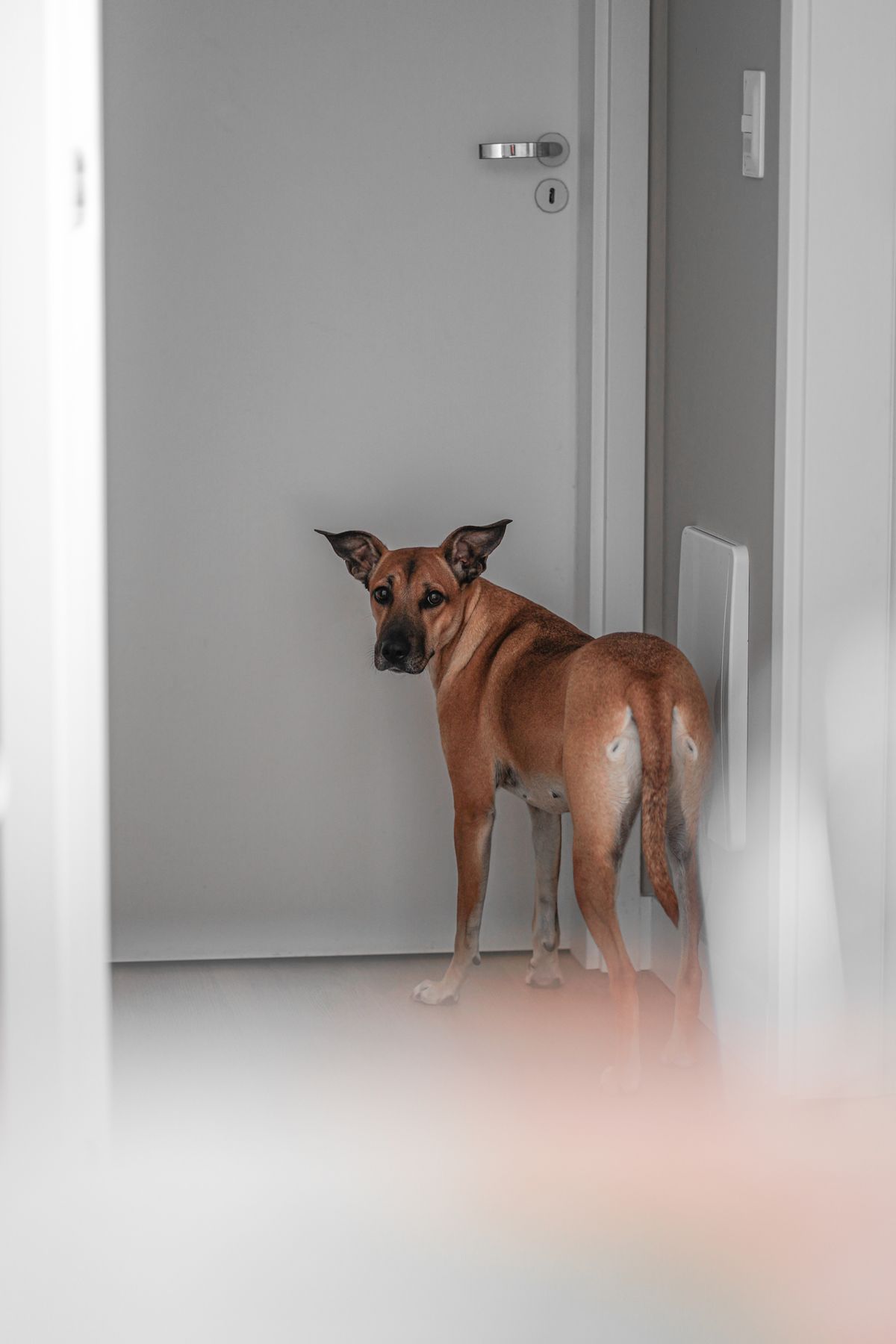
Order support
Manage the order journey
Standard Nuvopet delivery is 3–5 calendar days with free shipping on every product.
If something needs attention after checkout, use the support path below as soon as possible.
Returns & exchanges
A straightforward 30-day window
Nuvopet provides free returns and exchanges within 30 days. Keep the product, included accessories, and packaging together while you decide whether the item is right for your pet and home.
30 days
Free returns and exchanges within the confirmed return period.
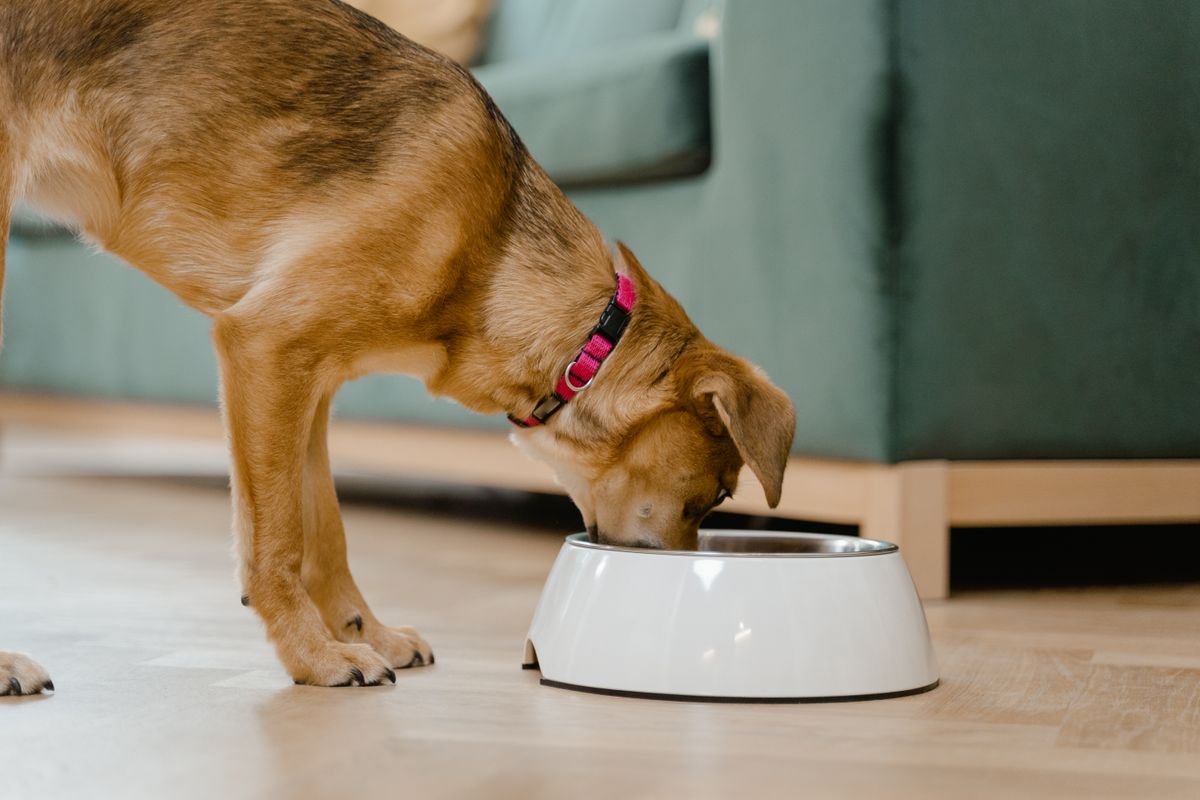
Care routines
Keep automation practical and pet-first
Automated feeders, fountains, litter systems, climate devices, and monitoring tools should support your pet’s normal routine rather than replace regular observation and care.
A
Check daily operation
Confirm scheduled feeding, water flow, sensors, alerts, and other automated functions are operating normally.
B
Clean contact surfaces
Keep bowls, fountain components, litter-contact areas, and device sensors clean according to the product instructions.
C
Recheck after changes
Whenever you change schedules, locations, network settings, boundaries, or alert thresholds, run a fresh test.
Still need help?
Reach Nuvopet support
Customer support is available 24/7 for help with orders, returns, setup, compatibility, and product-related questions.