Food residue, mineral deposits, litter dust, hair, fingerprints, and outdoor debris can reduce performance over time.
Keep connected care working beautifully
Product Care
Smart pet products stay more dependable when cleaning, charging, inspection, updates, and storage become part of the routine. This guide brings Nuvopet's main product categories into one practical care system so you can protect performance without overcomplicating maintenance.
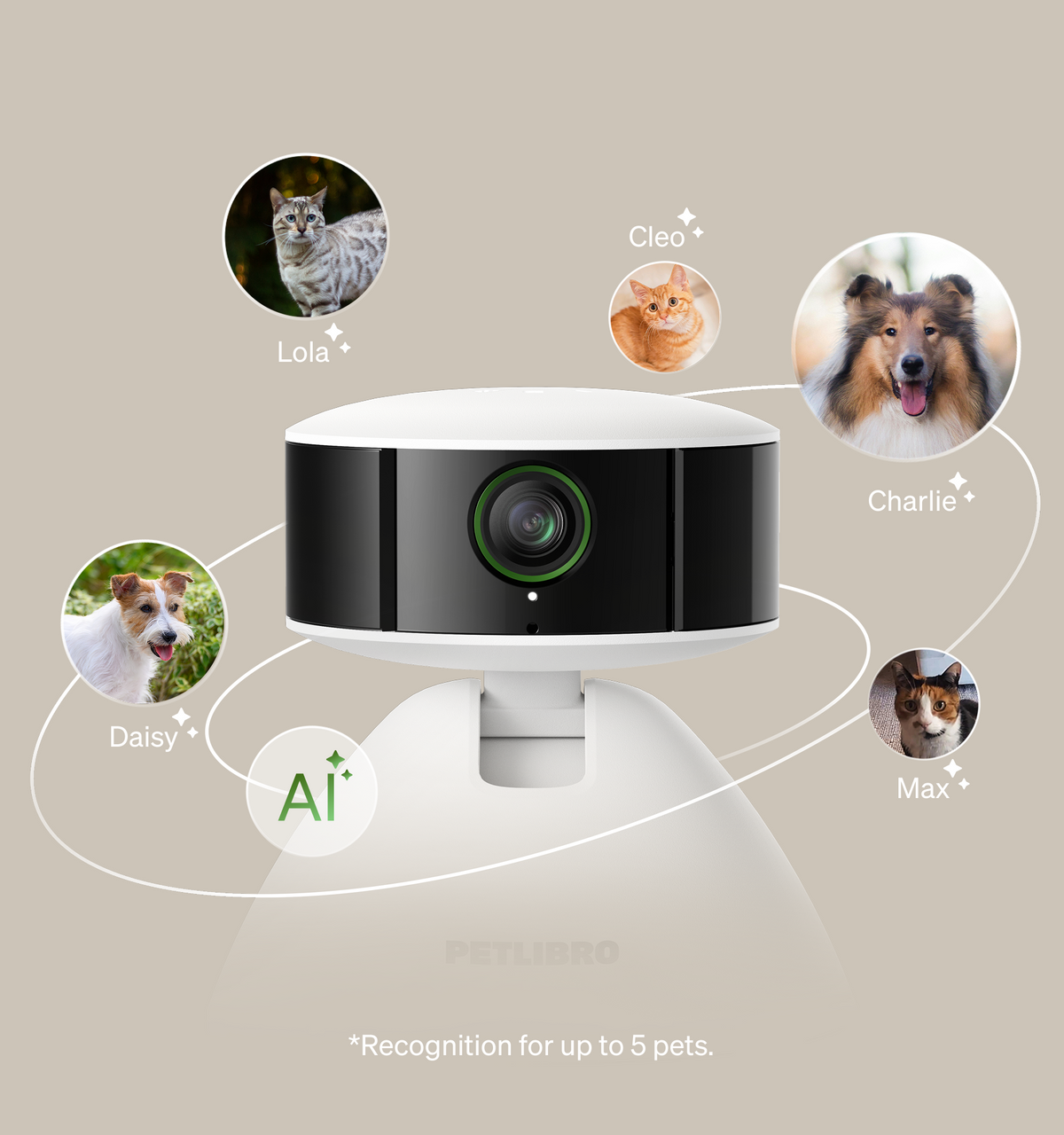
Clean optics, stable power, and current software keep connected monitoring useful.Pet cameras
Check cables, clips, bowls, pumps, sensors, doors, collars, housings, seals, filters, and moving parts for wear or obstruction.
Charge wearables, replace batteries when appropriate, inspect adapters, and keep power connections dry and secure.
Review app, firmware, notification, schedule, and network settings when a connected device begins behaving differently.
Before a return, exchange, transfer, or long storage period, remove personal accounts and follow the manufacturer's reset instructions.
The care cycle
A simple routine prevents most avoidable issues
Product care does not need to become a long checklist. A short recurring cycle—disconnect, clean, dry, inspect, restore—covers many of the basics across feeders, fountains, cameras, trackers, sensors, doors, litter systems, and training devices.
Disconnect before hands-on care
Turn the product off and unplug it when appropriate before cleaning, removing wet components, checking moving parts, or handling areas close to electrical contacts.
Separate washable from electronic parts
Remove bowls, trays, reservoirs, filters, covers, or other manufacturer-approved washable components. Keep motors, adapters, circuit housings, charging contacts, and non-waterproof electronics dry.
Use gentle product-appropriate cleaning
Follow the manufacturer's instructions for water temperature, detergents, dishwasher use, brushes, wipes, or disinfectants. Avoid harsh chemicals or abrasive tools unless specifically approved for that product.
Let cleaned parts dry fully
Moisture around charging contacts, electronics, seals, motors, cameras, sensors, or connectors can cause unreliable operation. Reassemble only when components are appropriately dry.
Inspect before returning to service
Check that parts are seated correctly, cables are intact, batteries are secure, moving components are unobstructed, and the product is stable before your pet uses it again.
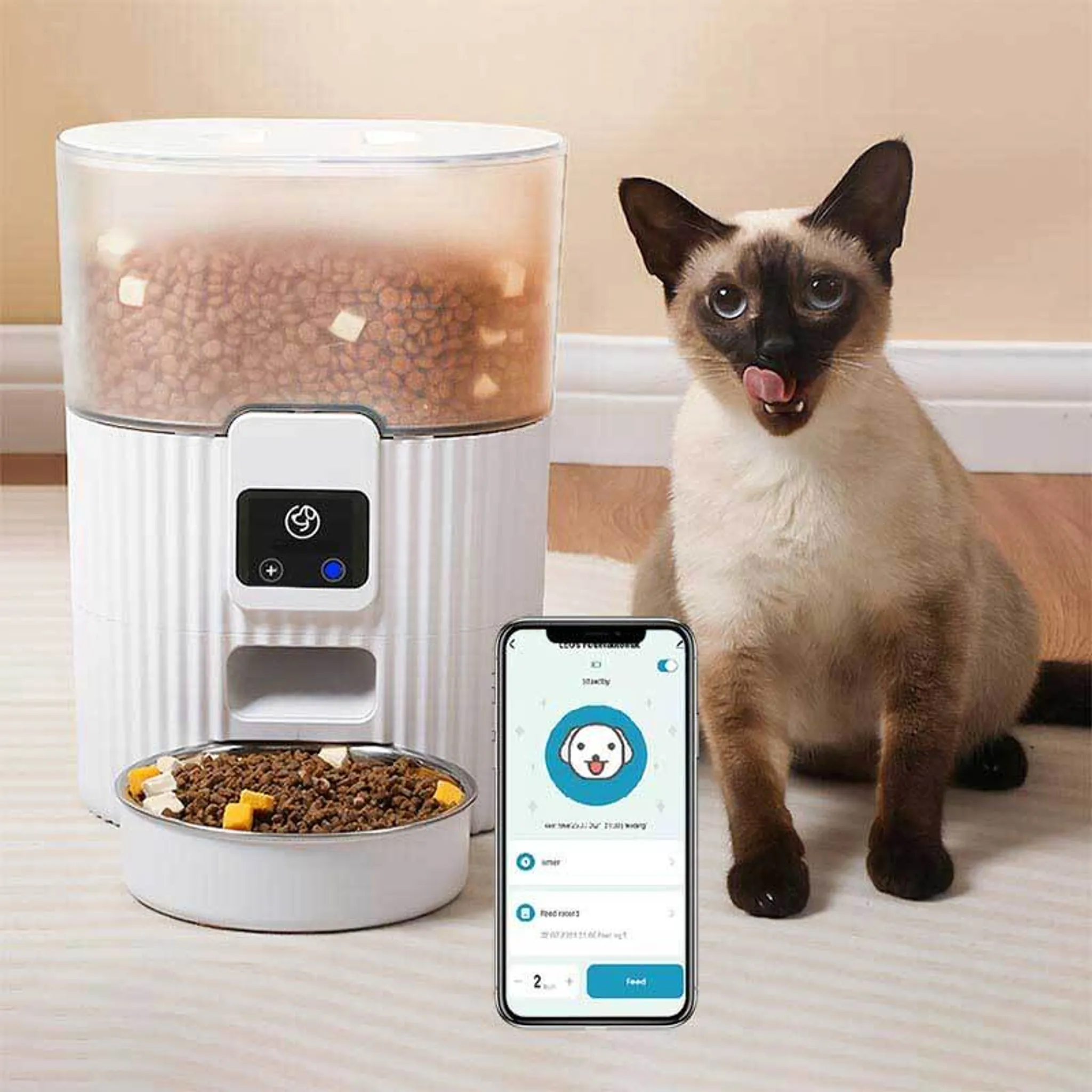
Food-contact parts deserve frequent cleaning and careful drying.Automatic feeders
Food-contact care
Keep feeding systems clean, dry, and unobstructed
Automatic feeders combine food storage, dispensing mechanisms, bowls, sensors, motors, and sometimes cameras or Wi-Fi controls. Regular care helps protect freshness and reduces the chance of residue interfering with normal dispensing.
01
Clean removable bowls regularly
Wash food-contact surfaces according to the product instructions and remove oily residue, crumbs, and old food before they accumulate.
02
Keep the hopper dry
Do not refill a damp food container. Moisture can affect food quality and can encourage buildup in the dispensing path.
03
Check the dispensing path
Look for oversized kibble, crumbs, or residue around the outlet and moving mechanism, especially if portions become inconsistent.
04
Protect camera and electronic areas
For connected feeders, wipe the lens and exterior with an appropriate dry or lightly damp cloth rather than washing the electronic housing.
Food compatibility varies by feeder. Review the manufacturer guidance for kibble size, dry-versus-wet food limits, cleaning methods, and dishwasher-safe components.
Hydration care
Water systems need more than an occasional refill
Pet fountains constantly interact with water, saliva, hair, minerals, and airborne debris. Consistent cleaning protects the drinking surface, pump, reservoir, filters, sensors, and water path from buildup that can affect flow or freshness.
A
Refresh water before it looks dirty
Do not rely only on visible appearance. Replace water and clean contact surfaces on a regular schedule appropriate to the product and household.
B
Inspect pumps and intake areas
Hair and mineral deposits can reduce flow. Clean accessible pump parts and intake areas only as described by the manufacturer.
C
Replace filters on schedule
If the fountain uses replaceable filters, follow the recommended interval and adjust frequency if multiple pets or heavy debris load make earlier replacement necessary.
D
Keep power connections dry
Disconnect power before deep cleaning and make sure connectors, bases, cables, or charging contacts are dry before reassembly.

Flow, cleanliness, and dry electrical connections all matter.Water fountains
Power, apps & connectivity
Digital maintenance is part of physical product care
A clean device can still feel unreliable if its battery is weak, app is outdated, network changed, permissions were removed, or firmware has fallen behind. Connected products benefit from occasional digital housekeeping.
Charge before performance drops
Follow the recommended charging method, inspect cables and contacts, and avoid waiting for repeated low-power shutdowns before recharging wearables or battery devices.
Review Wi-Fi and Bluetooth
If a product disconnects, confirm the home network, wireless band, Bluetooth state, app permissions, and the device's distance from the router or phone.
Keep apps and firmware current
Updates can affect compatibility, stability, security, alerts, or features. Review manufacturer update instructions before resetting a product that simply needs current software.
Revisit alerts and schedules
Meal schedules, camera notifications, boundaries, climate thresholds, access permissions, and monitoring rules should be reviewed when your routine changes.
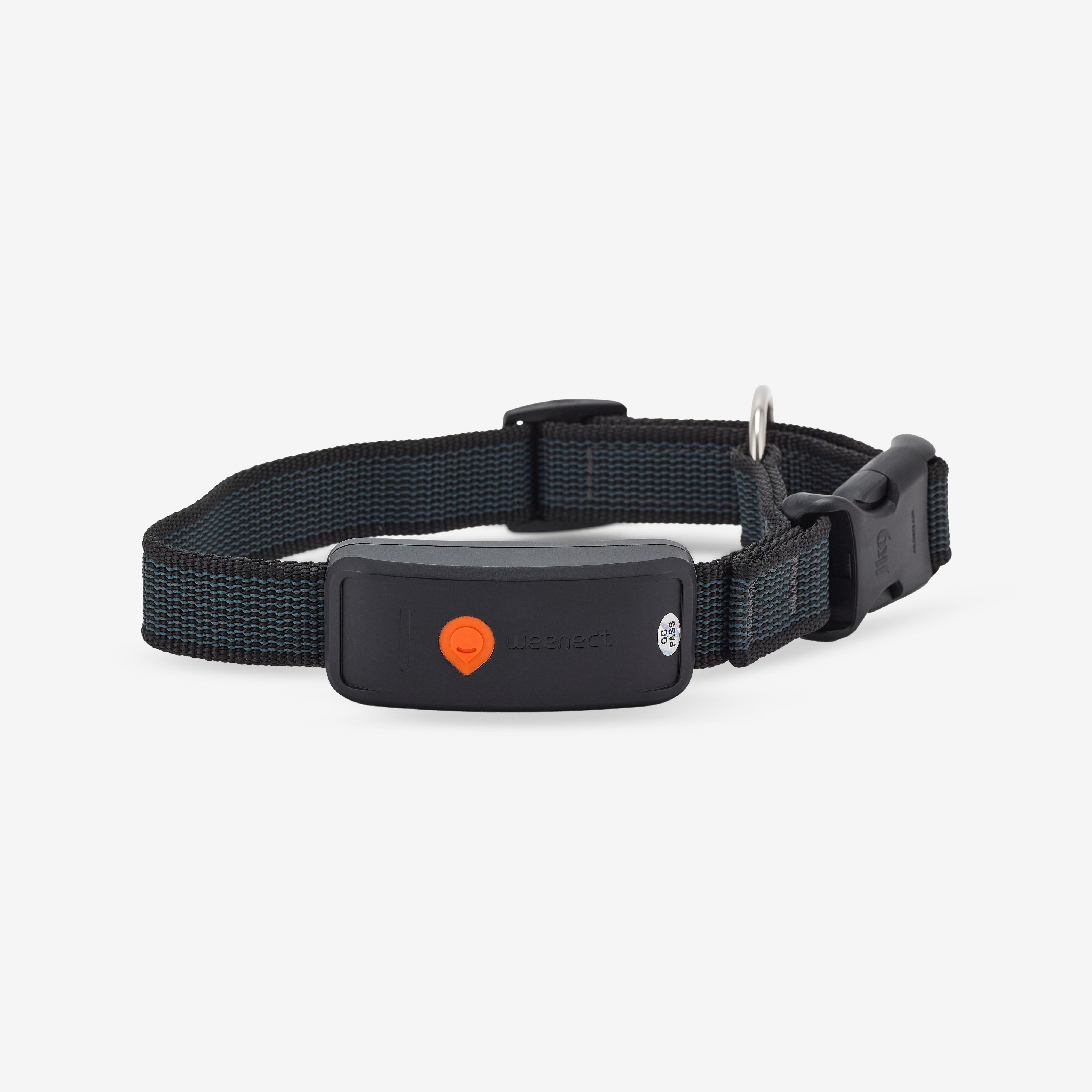
Wearables need fit checks, clean contacts, and reliable charging.GPS & activity trackers
Wearables & trackers
Comfort and fit are part of maintenance
GPS collars, Bluetooth trackers, QR and NFC tags, activity trackers, remote trainers, and boundary collars sit directly on or near the pet. Care therefore includes both device maintenance and regular checks of fit, contact, cleanliness, and attachment security.
01
Inspect the attachment point
Check clips, loops, buckles, screws, tag rings, collar fabric, and tracker mounts so a loose component does not become lost during normal movement.
02
Keep charging contacts clean
Dust, moisture, skin oils, and outdoor debris can interfere with charging. Use only the cleaning method recommended for the device.
03
Recheck fit as conditions change
Coat thickness, growth, weight change, grooming, and seasonal wear can alter collar fit. Make sure the device remains secure without creating unnecessary pressure.
04
Respect the water-resistance rating
Waterproof and water-resistant ratings vary. Do not assume every tracker, receiver, tag, or training device can be submerged simply because it can handle rain or splashes.
For remote trainers, bark deterrents, and wireless fence collars, follow the manufacturer's fit, wear-time, contact-point, training, and safety guidance rather than treating the device like an ordinary collar.
Waste-system care
Automation still needs a clean mechanical path
Self-cleaning litter boxes combine sensors, moving assemblies, waste drawers, litter screens, liners, and electronics. Routine care helps prevent dust, clumps, hair, and debris from interfering with the parts that detect or complete a cleaning cycle.
A
Empty the waste area before overfilling
Do not wait for waste or liners to press into moving parts or sensors. Follow the product's indicator or recommended emptying routine.
B
Use compatible litter
Grain size, weight, clumping behavior, and dust level can affect automated litter systems. Use only litter types the manufacturer identifies as compatible.
C
Keep sensors and tracks clear
Hair, dust, and litter debris around sensors or mechanical paths can affect detection or movement. Clean accessible areas without forcing components.
D
Deep-clean on the manufacturer's schedule
Disconnect power first and distinguish washable components from electronic assemblies before any deep cleaning.

Clean sensors and clear mechanical paths support reliable cycles.Self-cleaning boxes
Care by product family
Match maintenance to the part that does the work
Exact instructions vary by model, but these category-level priorities can help you identify what deserves attention before consulting the manufacturer manual for the specific device.
Trackers and collars
Clean the housing and charging contacts, inspect clips and collar fit, keep the battery charged, review permissions, and confirm location services remain active.
Identification tags
Keep the tag readable, inspect attachment rings, test scan or tap behavior periodically, and review the information linked to the tag when contact details change.
Pet cameras
Keep lenses clear, vents unobstructed, cords protected, mounts stable, firmware current, and privacy or notification settings aligned with the household routine.
Sensors and alerts
Check battery status, mounting position, sensor surfaces, notification rules, water or environmental exposure limits, and whether the device still detects the intended event.
Electronic pet doors
Remove debris from tracks and seals, inspect the flap or panel, check lock behavior, keep sensors or collar keys clean, and verify battery or power status.
Automatic feeders
Wash food-contact components, keep hoppers dry, inspect dispensing paths, review meal schedules, clean camera lenses if present, and check backup power.
Water fountains
Refresh water, wash reservoirs and trays, clean pumps and intake areas, replace filters when used, remove mineral buildup, and keep electrical contacts dry.
Self-cleaning boxes
Empty waste drawers, use compatible litter, clean sensors, inspect moving parts, replace liners or filters as needed, and deep-clean only after disconnecting power.
Scales and vital sensors
Keep measurement surfaces clean and stable, maintain consistent positioning, protect sensors from impact, and review app or calibration guidance if readings become inconsistent.
Climate controllers
Keep vents and sensor areas clear, review temperature or humidity thresholds, confirm network connection, and inspect power or batteries before seasonal use.
Remote trainers and deterrents
Inspect fit and contact areas, clean wearable components as directed, keep receivers charged, check settings before use, and store devices safely when not in active training.
Wireless fences
Check transmitter power, boundary settings, collar battery, receiver fit, property changes, and the physical condition of any wire, marker, charger, or mounting component involved.
Before support
A quick check can clarify the problem
When a product stops behaving normally, avoid disassembly or improvised repair. Start with low-risk checks that preserve the product and make the issue easier to describe.
01The device will not power on+
Confirm the correct cable, adapter, battery orientation, charging contact, outlet, and power switch. Look for visible cable damage or moisture. If the product still does not power on, stop rather than opening the housing.
02The product is offline or disconnected+
Check Wi-Fi or Bluetooth availability, phone permissions, router changes, app login, supported network band, and the device's power status. Use the manufacturer's reconnect process before attempting a factory reset.
03A feeder, fountain, door, or litter unit is not moving correctly+
Disconnect power when appropriate and look for food, litter, hair, scale, debris, misaligned removable parts, or an overfilled container. Do not force motors, gears, doors, pumps, or rotating assemblies.
04A tracker or wearable is not charging+
Dry the device, clean charging contacts as directed, inspect the cable, confirm the charger is seated correctly, and allow the recommended charging time. Stop using visibly damaged batteries or housings.
05A camera or sensor is giving poor readings+
Clean the lens or sensor surface, confirm placement has not shifted, remove nearby obstructions, review light or environmental conditions, and check whether app settings or firmware recently changed.
06I need to store the product for a while+
Clean and dry the product first, empty food, water, litter, waste, or consumables, follow manufacturer guidance for batteries, disconnect accounts if appropriate, and store the device in a dry environment away from extreme heat or moisture.
07I am returning or exchanging a connected device+
Remove personal accounts, saved schedules, recordings, location information, or household permissions when the manufacturer provides a safe reset process. Include the supplied accessories and avoid damaging the product while cleaning or resetting it.
Nuvopet provides free shipping across the full product range.
Standard order delivery is 3–5 calendar days.
Eligible products can be returned or exchanged free within 30 days.
Support is available around the clock for product, setup, care, order, return, and exchange questions.
Product-care support
Need help caring for a Nuvopet product?
Nuvopet support is available 24/7 for cleaning questions, setup guidance, compatibility, charging, connectivity, maintenance, returns, exchanges, and product-care troubleshooting. For model-specific procedures, we can also help you identify the information that should be checked in the manufacturer's instructions.